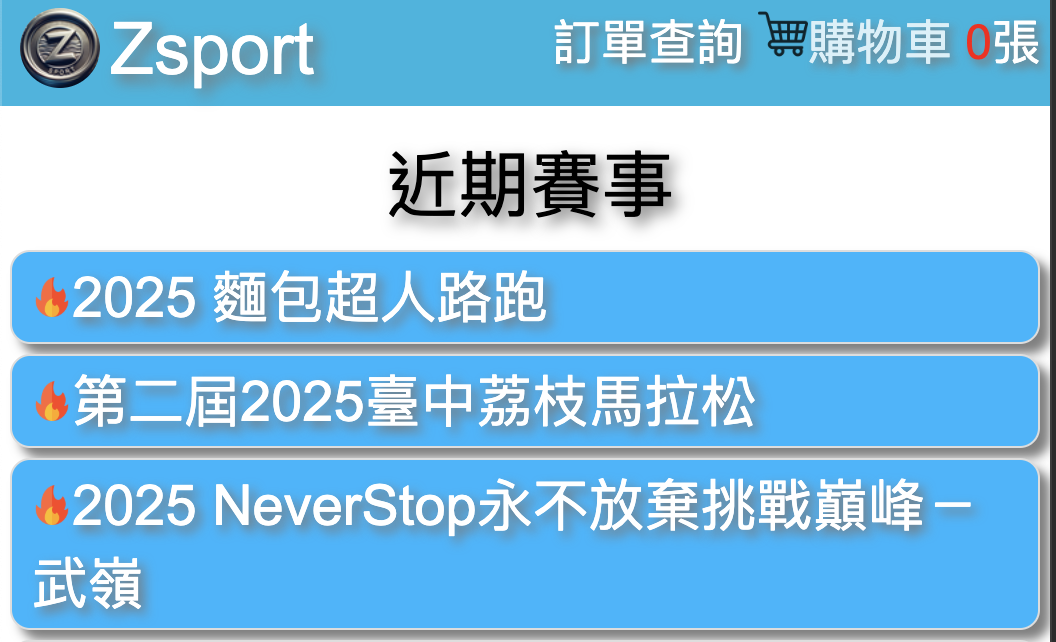



1. Select the Event
Click on the event you wish to purchase photos from.
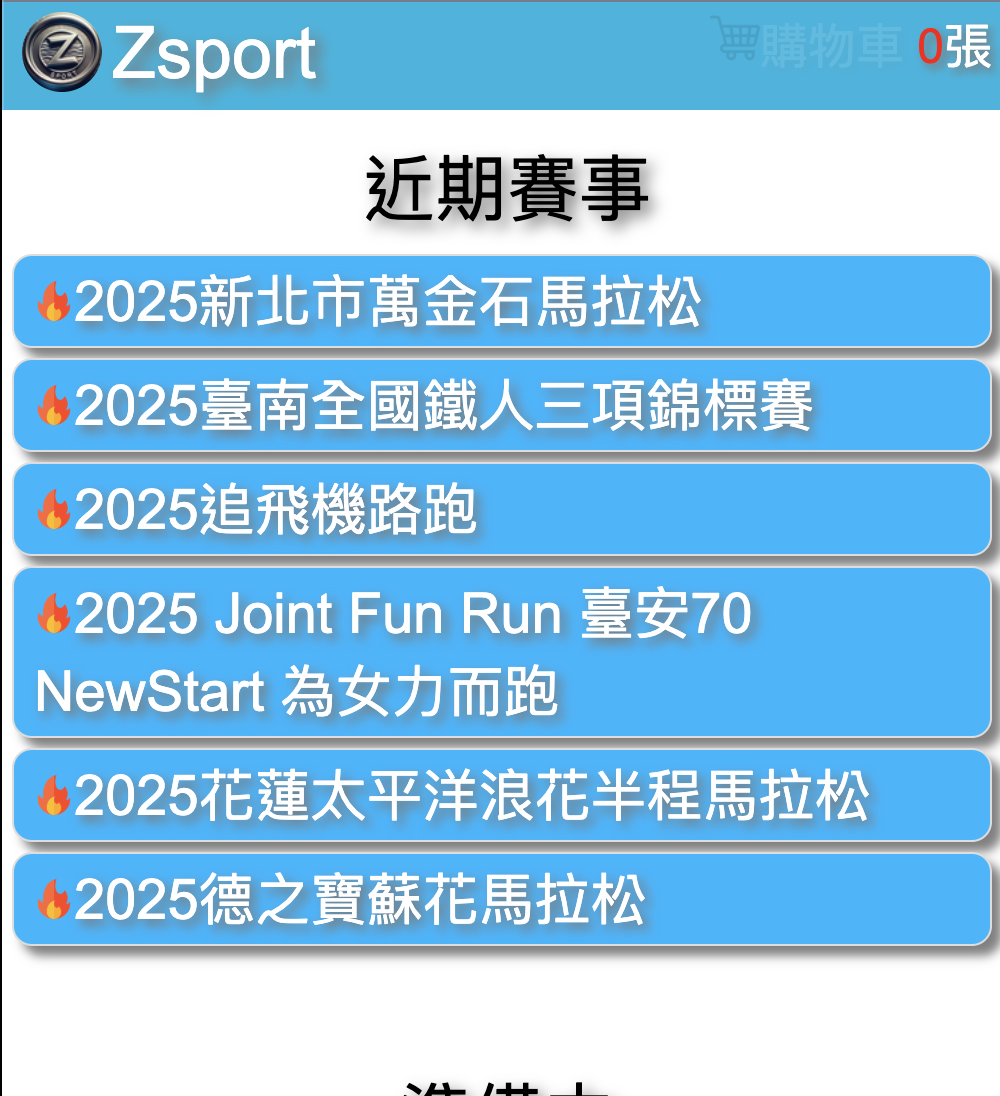
2. Browse and Select Photos
Search for the photos you want, click on them, and then click "Add to Cart."
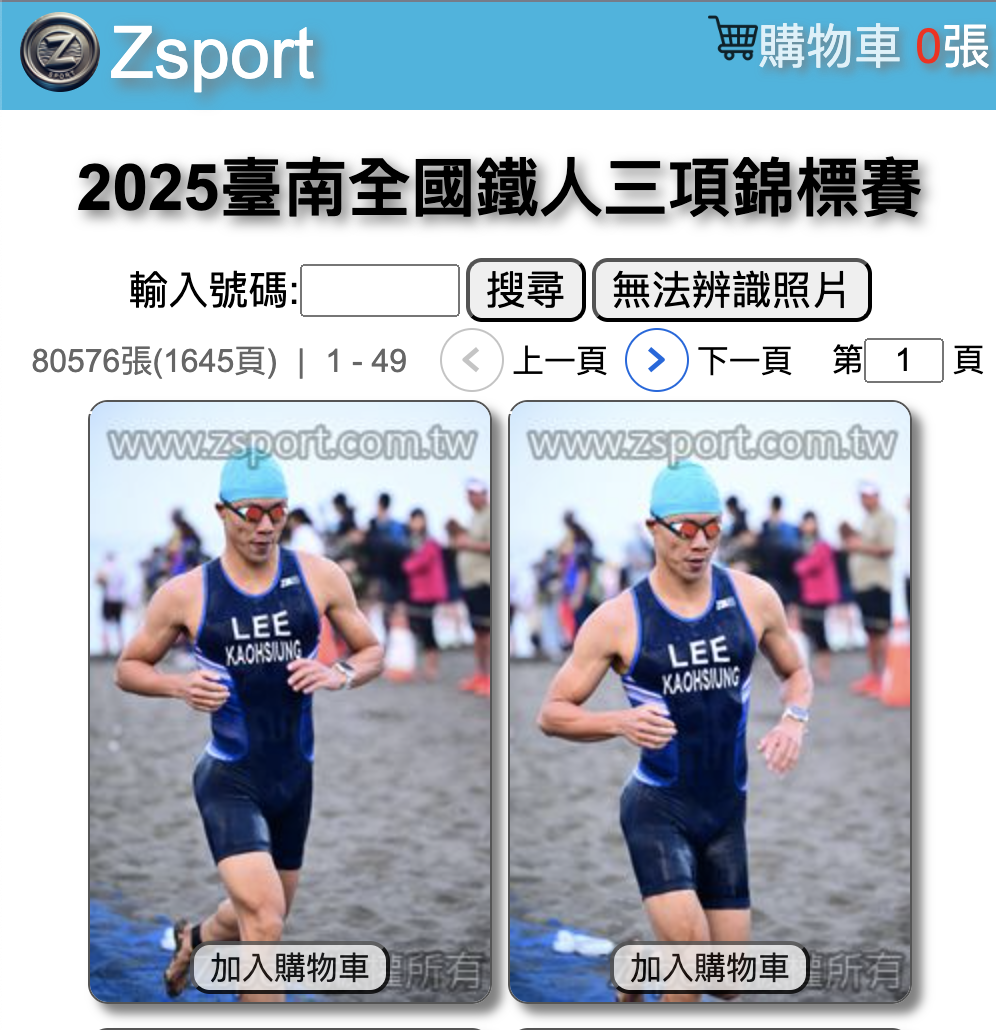
3. Proceed to Checkout
After selecting your desired photos, click on the shopping cart icon in the top right corner to proceed to checkout.

4. Choose Your Payment Method
Review your selected photos and choose your preferred payment method.
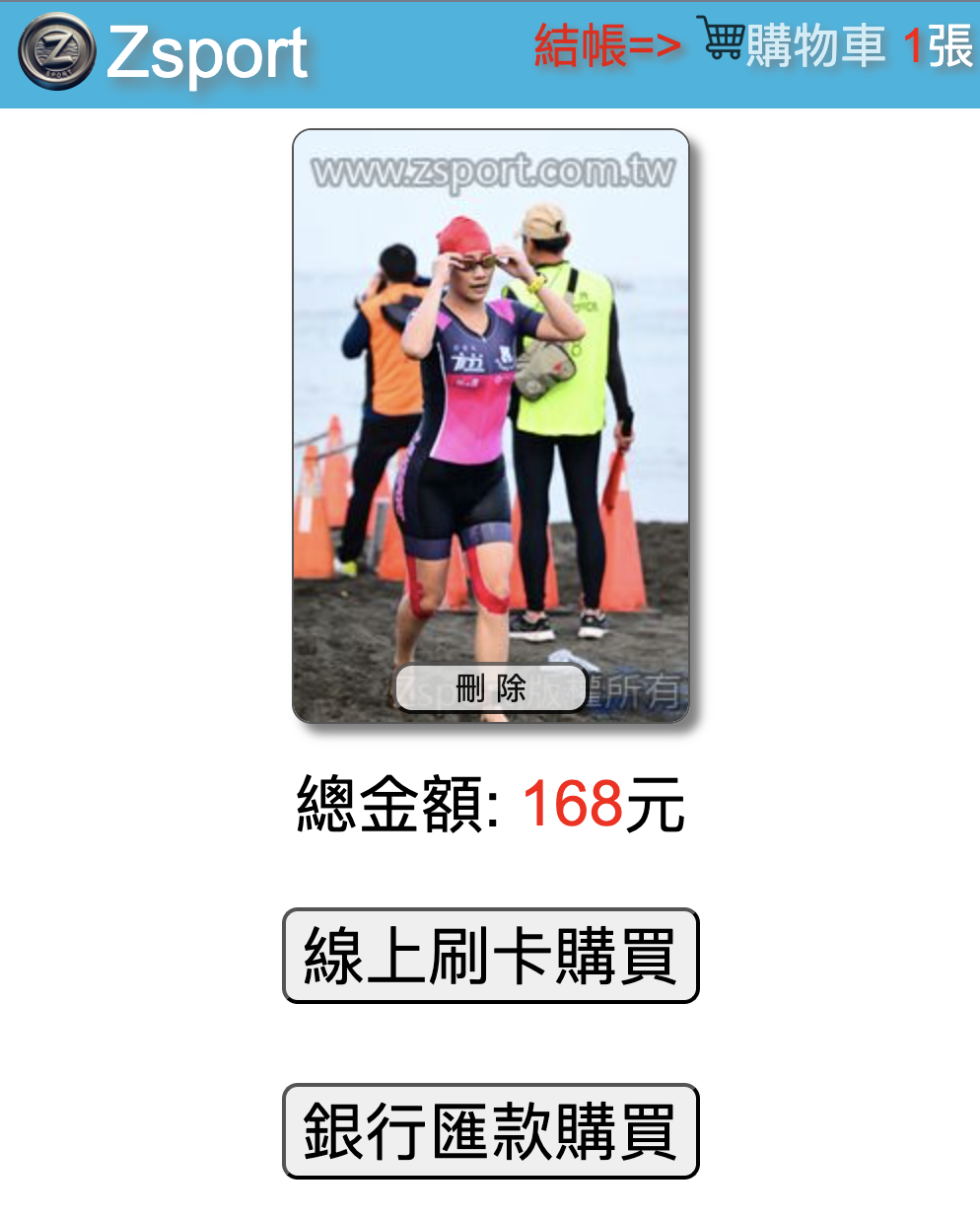
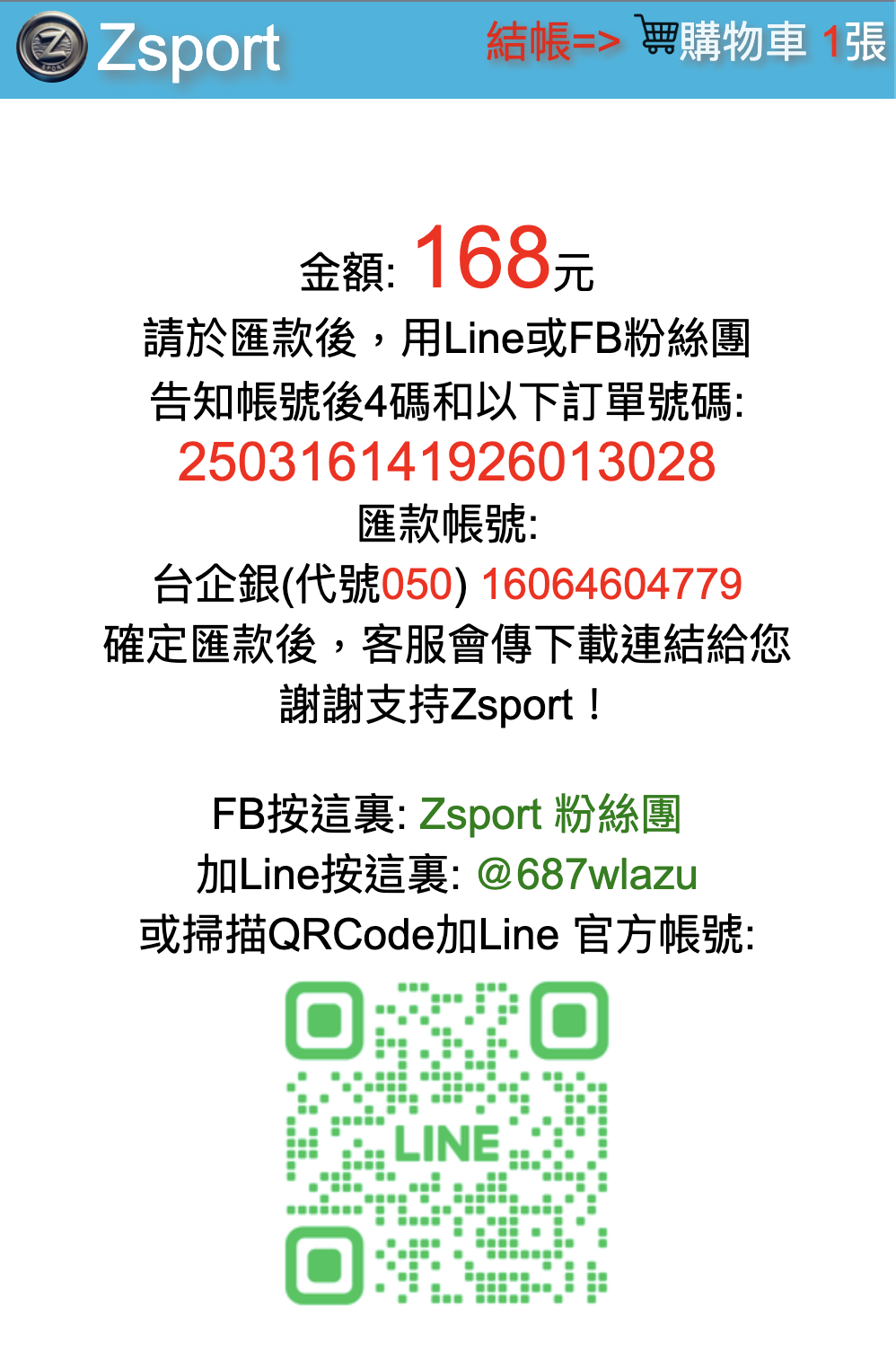
5. Bank Transfer
Please transfer the specified amount to the provided bank account.
Remember to take a screenshot or note your order number.
After completing the transfer, contact customer service via Line or the Facebook fan page.
Once your payment is confirmed, a download link will be sent to you.
Remember to take a screenshot or note your order number.
After completing the transfer, contact customer service via Line or the Facebook fan page.
Once your payment is confirmed, a download link will be sent to you.
6. Online Credit Card Payment
You will be redirected to the ECPay payment page.
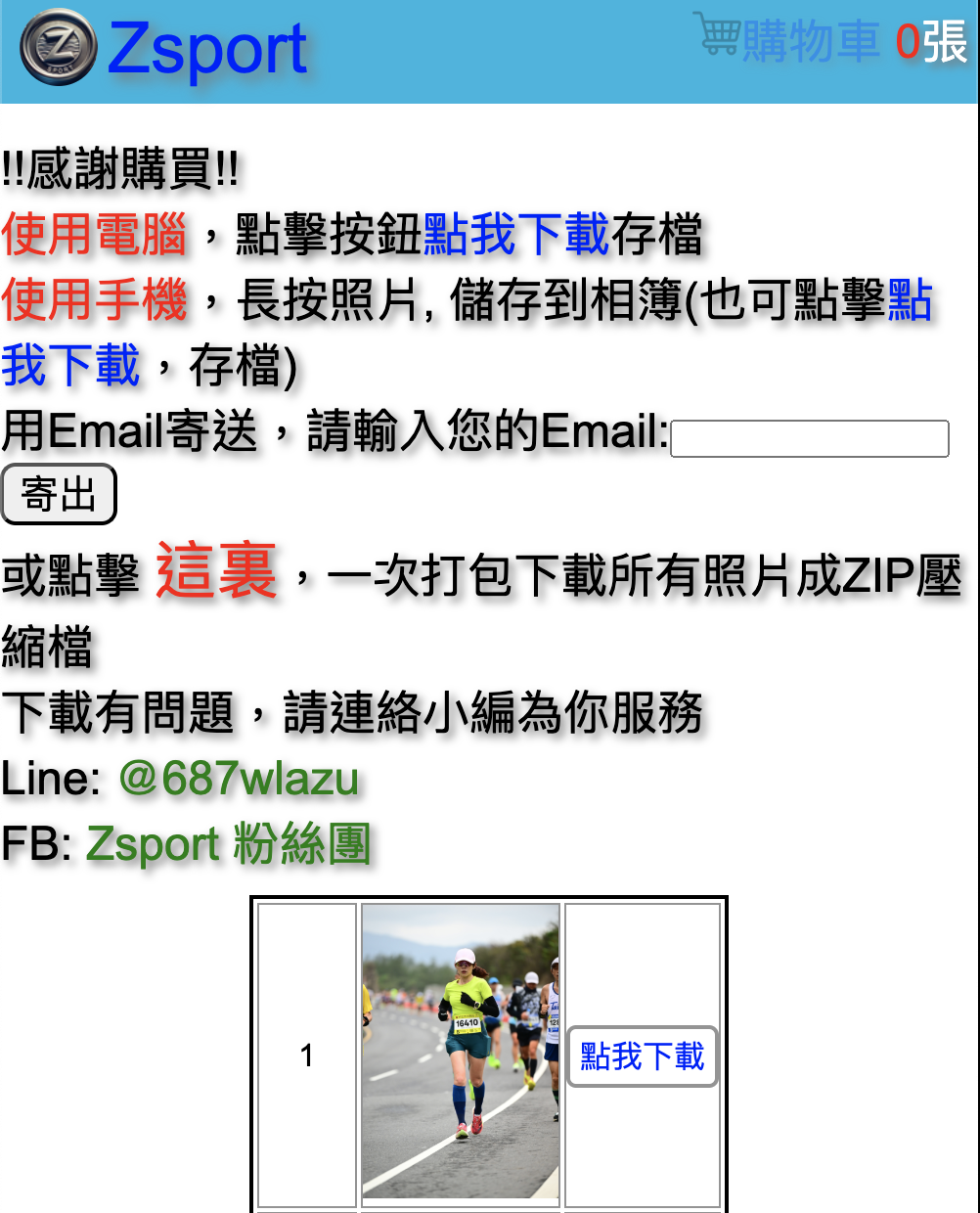
After completing the payment, you can download your photos directly from the website or have them sent to your email.
After completing the payment, you can download your photos directly from the website or have them sent to your email.
💡 Reminder
Use the "Order Inquiry" button in the top right to look up completed orders and download your photos anytime!